83 products found


Compare NVIDIA GeForce and AMD Radeon graphics card prices with VRAM filtering and full price history charts. Track GPU price drops on Amazon UK.
Compare NVIDIA GeForce RTX 5000-series and AMD Radeon RX 9000-series alongside previous-generation cards. Filter by VRAM, memory type, and TDP — sorted by lowest price by default.
Your graphics card has the biggest impact on gaming performance and is essential for GPU-accelerated workloads like video editing, 3D rendering, and machine learning.
Last reviewed:
Modern games at 1440p need at least 8GB of VRAM, and 4K gaming benefits from 12GB or more. Current-generation cards — including the NVIDIA RTX 5070 (12GB) and AMD RX 9070 / RX 9070 XT (both 16GB) — have raised the mid-range baseline, making cards with less than 12GB a less future-proof choice for 2026 and beyond. If you work with large textures, AI models, or video editing timelines, 16GB or more prevents stuttering and out-of-memory errors.
TechPowerUp GPU Reviews · Tom's Hardware GPU Benchmark Hierarchy
Match your GPU to your monitor. A mid-range card handles 1080p at high refresh rates comfortably. For 1440p 144Hz or 4K 60Hz gaming, look at upper-mid to high-end cards. Check benchmarks for the specific games you play.
High-end GPUs can draw 300W+ and need adequate PSU headroom. Check the recommended PSU wattage and make sure your case has enough airflow. Two-slot designs fit most cases; three-slot cards need more clearance.
Buying a used GPU can save significant money, but there are risks. Cards that were used for cryptocurrency mining may have worn-out fans or degraded thermal pads, even if the silicon itself is fine. Always check the remaining manufacturer warranty — most are non-transferable, so you may have no coverage if the card fails. If buying used, test the card under load before committing and inspect for signs of thermal paste degradation or coil whine.
Intel entered the discrete GPU market with its Arc Battlemage lineup (B580 and B570), released in late 2024. These cards offer competitive 1080p and 1440p gaming performance at budget-friendly prices, making them worth considering if you are building on a tight budget and do not need top-tier ray tracing output. Arc GPUs support hardware ray tracing and Intel's XeSS upscaling technology. Driver maturity has improved significantly since Arc's rocky launch — modern games are generally well-supported, though older titles using legacy APIs can still cause issues. If you are buying new at the lower end of the market, Arc Battlemage is now a legitimate third option alongside NVIDIA and AMD.
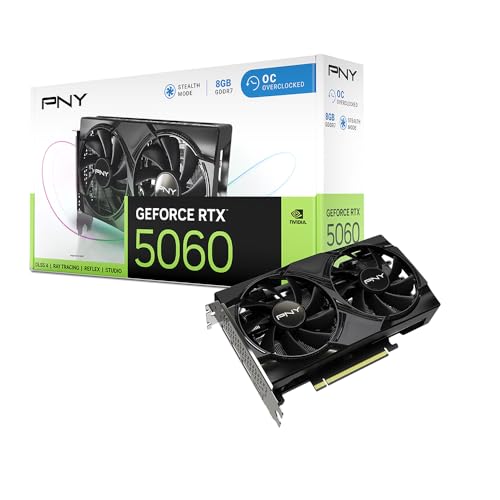
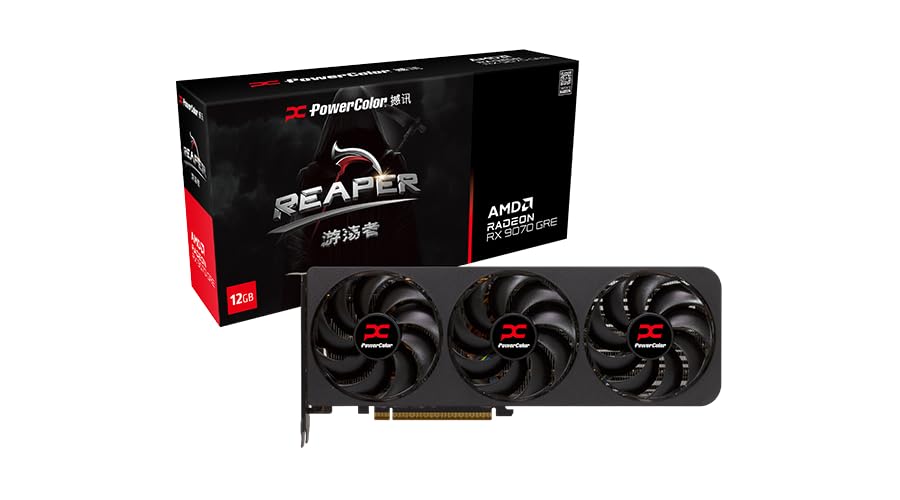
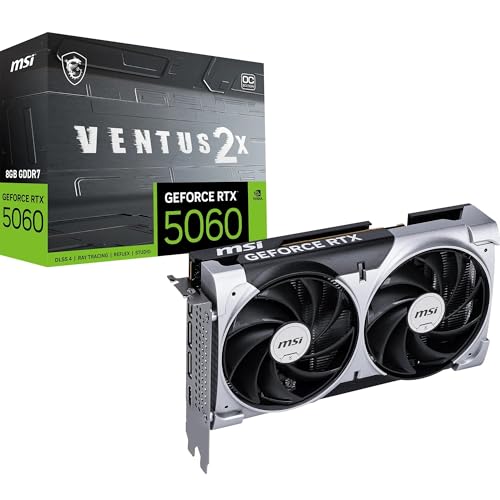
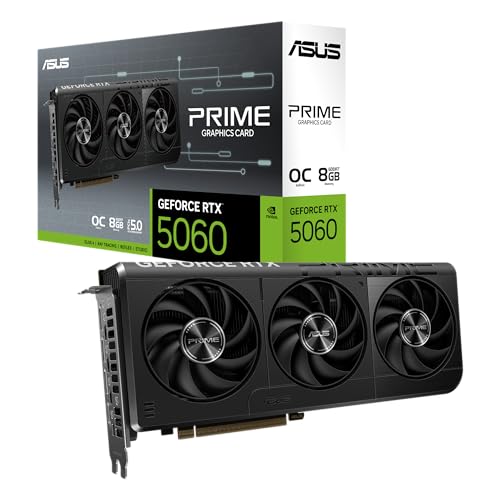
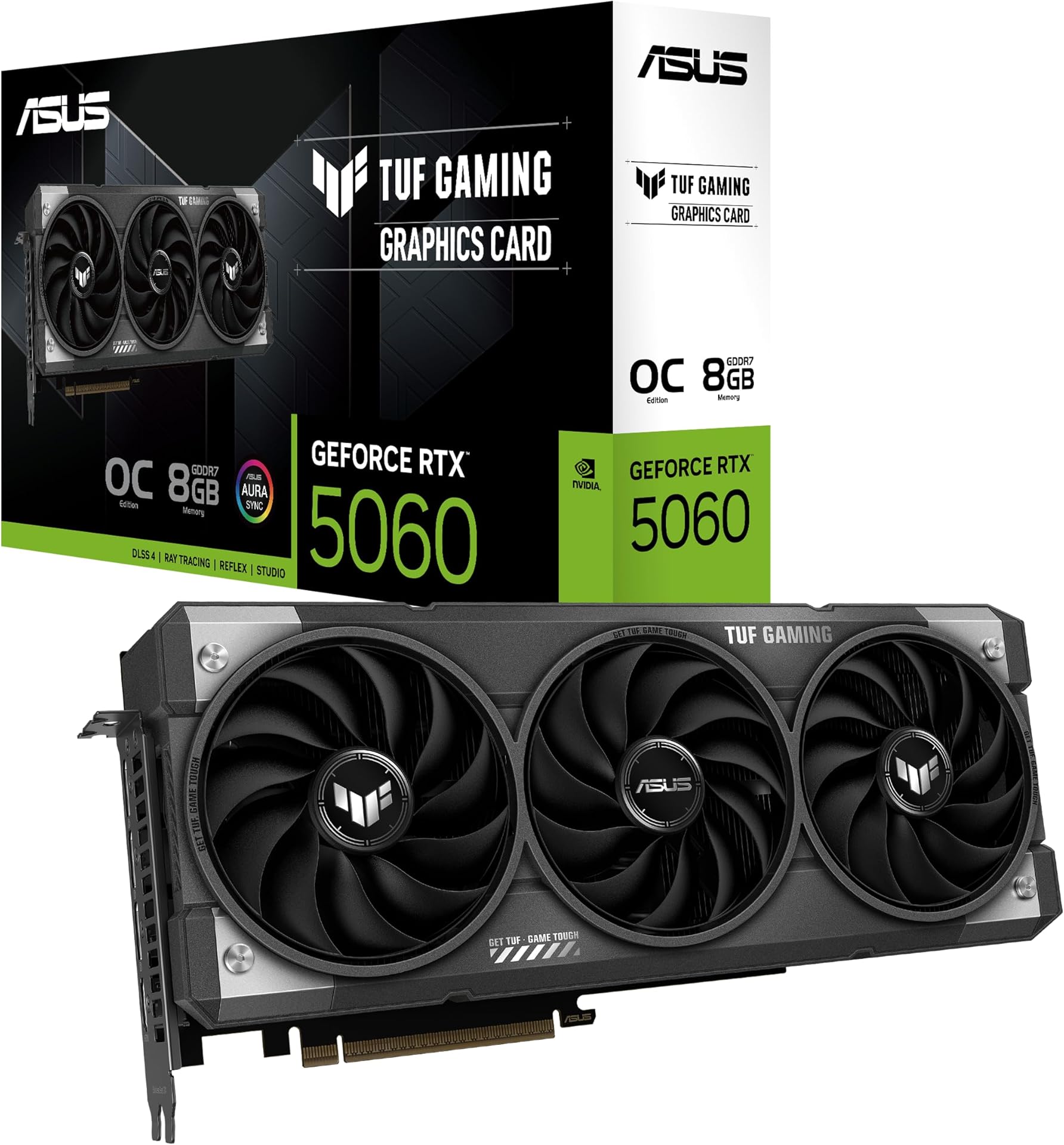
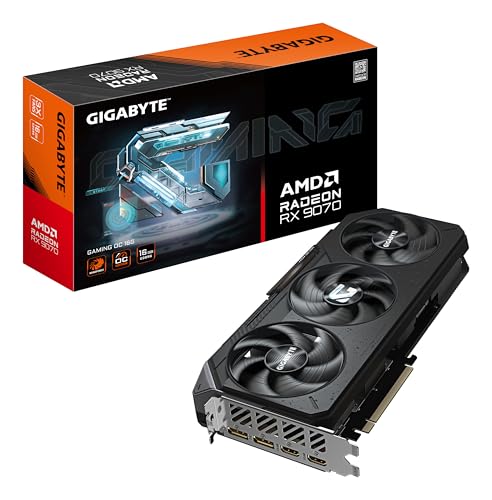
NVIDIA GeForce RTX 5000 and AMD Radeon RX 9000 are the current GPU generations as of 2026, and now cover a wider price range than at launch. At the mainstream level, the RTX 5060 Ti (8GB or 16GB GDDR7) and RTX 5060 (8GB GDDR7) sit under £400 and target 1080p and entry-level 1440p gaming — these are the highest-volume segment of the market and typically see the most competitive Amazon UK pricing. At the mid-range, the RTX 5070 (12GB GDDR7) and RX 9070 / RX 9070 XT (both 16GB GDDR6) compete closely in traditional rasterised performance at 1440p. The key differentiator across the RTX 50 range is DLSS 4 Multi Frame Generation, which is exclusive to RTX 50-series hardware and can generate up to three AI frames between each rendered frame — delivering significantly higher output frame rates in supported titles. AMD does not yet have an equivalent to Multi Frame Generation; if you do not need this feature, the RX 9070 XT typically offers better value per pound for rasterised gaming. At the high end, the RTX 5080 (16GB) and RTX 5090 (32GB) target 4K enthusiasts. Previous-generation RTX 4000 and RX 7000 cards have fallen in price following these launches and remain competitive for buyers on tighter budgets.
The RTX 5060 Ti and RTX 5060 represent the accessible entry point into the RTX 50 series. The RTX 5060 Ti is available in both 8GB and 16GB GDDR7 configurations — the 16GB variant is worth the small price premium if you game at 1440p or use the GPU for AI workloads, since 8GB can run short in some newer titles at higher settings. The RTX 5060 (8GB GDDR7) is positioned for 1080p gaming and brings DLSS 4 support, including Multi Frame Generation, to a more accessible price bracket. Both cards fit standard ATX cases, draw around 150–180W, and work with most mid-range power supplies without needing a high-wattage upgrade. If you are building a budget 1080p or entry-level 1440p PC in 2026, the RTX 5060 Ti is the primary card to compare against the Intel Arc B580 and any remaining RTX 4060 stock at similar prices. Use the price history chart on each card to confirm you are not paying an inflated launch premium.
Ray tracing adds realistic lighting, reflections, and shadows to games, but it is demanding on hardware. NVIDIA offers DLSS 4, AMD offers FSR, and Intel offers XeSS — all three use upscaling to boost frame rates while maintaining visual quality. DLSS 4, available on RTX 50-series cards, adds Multi Frame Generation (MFG), which uses AI to insert additional frames between rendered frames and can dramatically raise output frame rates in supported titles — this feature is hardware-locked to RTX 50 series. FSR and XeSS are open standards that run on any GPU and are updated independently of GPU generations; FSR 4 is AMD's latest iteration. For competitive multiplayer titles where frame rate matters more than visual fidelity, these features are less critical, but MFG in particular can meaningfully raise frame counts at 4K for non-competitive games.
Games and applications grow more demanding each year, so buying slightly above your current needs extends the useful life of your card. A GPU that handles 1440p well today will likely manage 1080p at high settings for several more years. Pay attention to VRAM as a long-term factor — texture quality requirements tend to increase faster than raw compute demands. Spending an extra £50–100 now can delay the need for a full upgrade by a year or two.
Modern graphics cards vary enormously in physical dimensions. High-end models can be over 330mm long and occupy three expansion slots, which may not fit in compact or older cases. Before purchasing, check your case specifications for maximum GPU length and available slot clearance. Also verify that a large card will not block drive bays, front panel cables, or radiator mounts. Measuring the available space in your case with a ruler takes thirty seconds and can prevent an expensive compatibility mistake.
Different cooler designs produce different noise levels. Cards with larger heatsinks and multiple fans tend to run quieter because they can spin at lower RPMs. Some models feature semi-passive fan modes where the fans stop completely at idle or light loads, which is ideal for quiet home office setups. If noise matters to you, look for reviews that measure decibel levels under gaming load. Blower-style coolers exhaust heat out of the case but tend to be louder, while open-air designs are quieter but dump heat inside the chassis.
Each GPU chip is sold by multiple add-in board (AIB) partners such as ASUS, MSI, Gigabyte, and EVGA. These partner cards share the same core GPU but differ in cooler design, clock speeds, build quality, and price. Factory-overclocked models typically cost £20–50 more for marginal speed gains. The real differentiators are cooler effectiveness, noise, and warranty support. Reading comparative reviews of partner cards helps you find the best balance of price and cooling for your build.
GPU prices are notoriously volatile, swinging sharply around new-generation launches, supply shortages, and cryptocurrency mining cycles. Tracking price history helps you distinguish genuine discounts from inflated "sale" prices. The best GPU deals typically appear 3–6 months after a new generation launches, when retailers clear older stock. Watching price trends over several weeks before buying prevents paying a launch-day premium. Watching the price history lets you act quickly when a card you are tracking hits your target.
Pairing a new graphics card with the right components ensures you avoid bottlenecks and get the best gaming experience.