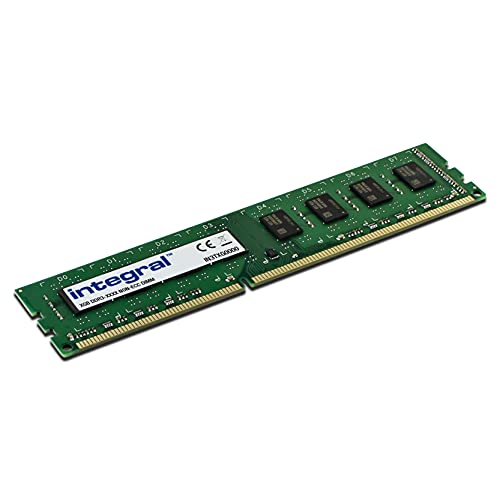
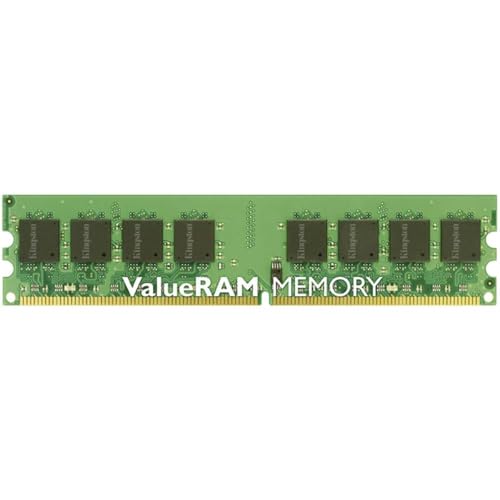
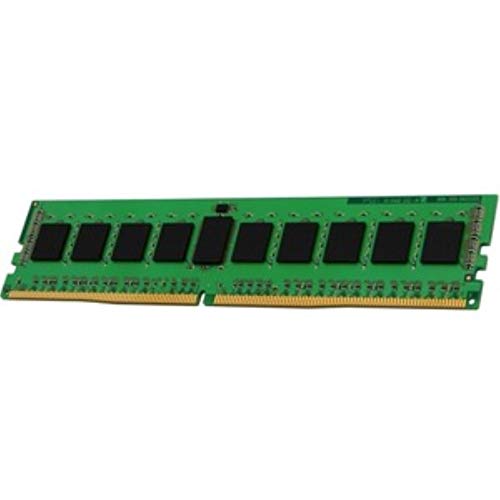
Compare DDR4 and DDR5 RAM kit prices with speed, capacity, and latency filters. View price history and find the best memory deals on Amazon UK.
Compare DDR4 and DDR5 desktop memory kits. Filter by speed, capacity, and type — sorted by lowest price by default.
Memory Listings
RAM Buying Guide
System memory affects how many applications you can run simultaneously and how smoothly your PC handles memory-intensive tasks like gaming, video editing, and large spreadsheets.
Last reviewed:
DDR4 vs DDR5
DDR5 is required for AMD AM5 and Intel 15th Gen (Arrow Lake). Intel 12th–14th Gen (LGA 1700) boards come in DDR4 or DDR5 variants depending on the model. DDR4 is still widely available and more affordable for LGA 1700 builds. Check your motherboard specs — it supports one type only.
16GB is the minimum for modern gaming PCs. 32GB gives comfortable headroom for multitasking and content creation. 64GB is only needed for professional workloads like video production, large datasets, or running virtual machines.
Speed & Latency
RAM speed (measured in MHz) and CAS latency (CL) both affect performance. For DDR5 in 2026, 6000 MT/s has become the mainstream sweet spot on AMD AM5 — it is the highest speed that runs in Gear 1 mode on Ryzen 9000, which avoids the latency penalty of dropping to Gear 2 at higher frequencies. CL30 at 6000 MT/s is a particularly well-balanced target: kits at this spec are widely available and provide noticeably better real-world performance than entry-level 4800 MT/s kits. For DDR4 on Intel LGA 1700 builds, 3200–3600 MHz at CL16 remains excellent value. Enable XMP (Intel) or EXPO (AMD) in your BIOS to run at the rated speed — without this, DDR5 kits default to 4800 MT/s regardless of what is printed on the box.
Dual Channel vs Single Channel
Always install RAM in pairs to enable dual-channel mode, which doubles the memory bandwidth available to your CPU. A single 16GB stick will perform noticeably worse than two 8GB sticks in tasks like gaming and content creation. Check your motherboard manual for the correct slots to populate — most boards recommend slots 2 and 4 (counting from the CPU) for a two-stick configuration to ensure optimal signal routing.
RGB & Heatspreaders
RAM heatspreaders help dissipate heat on high-speed kits that run at elevated voltages, which can improve stability during sustained workloads. RGB lighting is purely cosmetic and adds £10–20 to the price of a kit. If your build has a window and you enjoy the aesthetics, go for it. If you are building on a tight budget, non-RGB kits with the same speed and latency specs perform identically and leave more money for components that affect real-world performance.
Upgrade Considerations
If you think you might want more RAM in the future, plan your initial purchase accordingly. Buying a 2x8GB kit leaves two DIMM slots free on a standard ATX motherboard for later expansion to 32GB. Starting with a 2x16GB kit is usually better value than buying 4x8GB, as it keeps upgrade paths open. Also confirm your motherboard and CPU support the total capacity you are targeting — some entry-level platforms cap out at 64GB or 128GB.
Compatibility Checking
Not all RAM kits work perfectly with every motherboard and CPU combination. Motherboard manufacturers publish Qualified Vendor Lists (QVLs) that confirm which specific memory kits have been tested and verified to work at their rated speeds. While unlisted kits often work fine, consulting the QVL is especially important for high-speed DDR5 kits where compatibility can be less predictable. If you experience instability, running RAM at a slightly lower speed or adjusting timings manually in the BIOS usually resolves the issue.
ECC vs Non-ECC Memory
Error-correcting code (ECC) memory detects and fixes single-bit errors automatically, which is critical for servers, workstations, and systems that handle sensitive data. Most consumer platforms do not support ECC, but AMD Ryzen does offer unofficial ECC support on many boards. For a standard gaming or productivity PC, non-ECC memory is perfectly fine. If you run a home server, handle large databases, or do professional work where silent data corruption is unacceptable, ECC is worth investigating for the modest price premium.
Overclocking & Memory Profiles (XMP/EXPO)
Most DDR5 kits are sold at speeds above the JEDEC base spec — a "6000 MT/s" kit will default to 4800 MT/s unless you enable the factory profile in your BIOS. Intel platforms use XMP 3.0; AMD AM5 uses EXPO. Both are enabled with a single BIOS toggle and are safe since manufacturers test each profile at the factory. Faster kits (6000+ MT/s) carry a price premium, so confirm your motherboard and CPU support the advertised speed before buying, then enable the profile at first boot to get the performance you paid for.
When to Buy RAM
Memory prices are influenced by supply cycles in the semiconductor industry, meaning they can swing significantly over the course of a year. Tracking prices over several weeks before purchasing helps you identify whether current pricing is favourable or inflated. Major sales events like Black Friday and Amazon Prime Day frequently feature competitive RAM deals. If your build is not urgent, patience can save you £20–40 on a kit — money better spent on a faster SSD or a better CPU cooler.
RAM prices can move 20–30% within a few weeks as NAND and DRAM supply contracts re-price across the supply chain. Checking the price history chart for any kit you are considering shows whether the current price is genuinely low or simply discounted from an inflated baseline. The all-time low on each product page is the most useful reference point — if the current price is within 10% of the all-time low, it is worth buying now rather than waiting. Checking the price history regularly helps you spot the moment a kit hits your target price so you can act quickly.
Frequently Asked Questions
Should I buy DDR4 or DDR5 RAM?▾
It depends on your motherboard. DDR4 and DDR5 use different slots and are not interchangeable. DDR5 is required for AMD AM5 and Intel 15th Gen (Arrow Lake). Intel 12th–14th Gen (LGA 1700) boards come in DDR4 and DDR5 variants — check which type your board supports. DDR4 is cheaper and remains a solid choice for LGA 1700 builds.
Does RAM speed matter for gaming?▾
Yes, but the gains are modest. Going from 3200 MHz to 3600 MHz DDR4 can add a few percent to frame rates, especially with AMD Ryzen CPUs. Beyond that, the returns diminish. Capacity (16GB minimum, 32GB recommended) matters more than speed for most gamers.
How much RAM do I need?▾
16GB is the minimum for modern gaming and productivity. 32GB is recommended if you multitask, stream, or use memory-hungry applications like video editing or virtual machines. 64GB is only necessary for professional workloads.
When is the best time to buy RAM?▾
RAM prices track DRAM spot-market fluctuations more than any retail sales calendar. Prices often dip in the weeks following a major product launch — when new DDR5 kits arrive and older inventory gets discounted — and during Amazon Prime Day and Black Friday. The best approach is to check the price history chart on each product page: if the current price is near the all-time low, it is a good time to buy. DDR4 and DDR5 prices can move independently, so a dip in one type does not reliably predict movement in the other. The price-per-GB sort on the RAM page makes it easy to compare value across capacities and speeds at a glance.
Is DDR5 worth the upgrade from DDR4?▾
DDR5 is required for AMD AM5 (Ryzen 7000 and 9000 series) and Intel 15th Gen (Arrow Lake), so if you are buying a new platform the choice is already made. On Intel 12th–14th Gen (LGA 1700), your motherboard may support either type — check the spec sheet before buying. In real-world use, DDR5 at equivalent speeds offers marginally better performance than DDR4, but the gap is small for gaming and general productivity. DDR4 kits are significantly cheaper per gigabyte and remain the better-value choice for existing LGA 1700 builds. Use the price-per-GB column on the RAM page to compare current prices across both types and capacities.
Related Categories
RAM works closely with your CPU and motherboard — make sure your memory kit is compatible with your platform.