WD
External Drive
8TB
Out of Stock
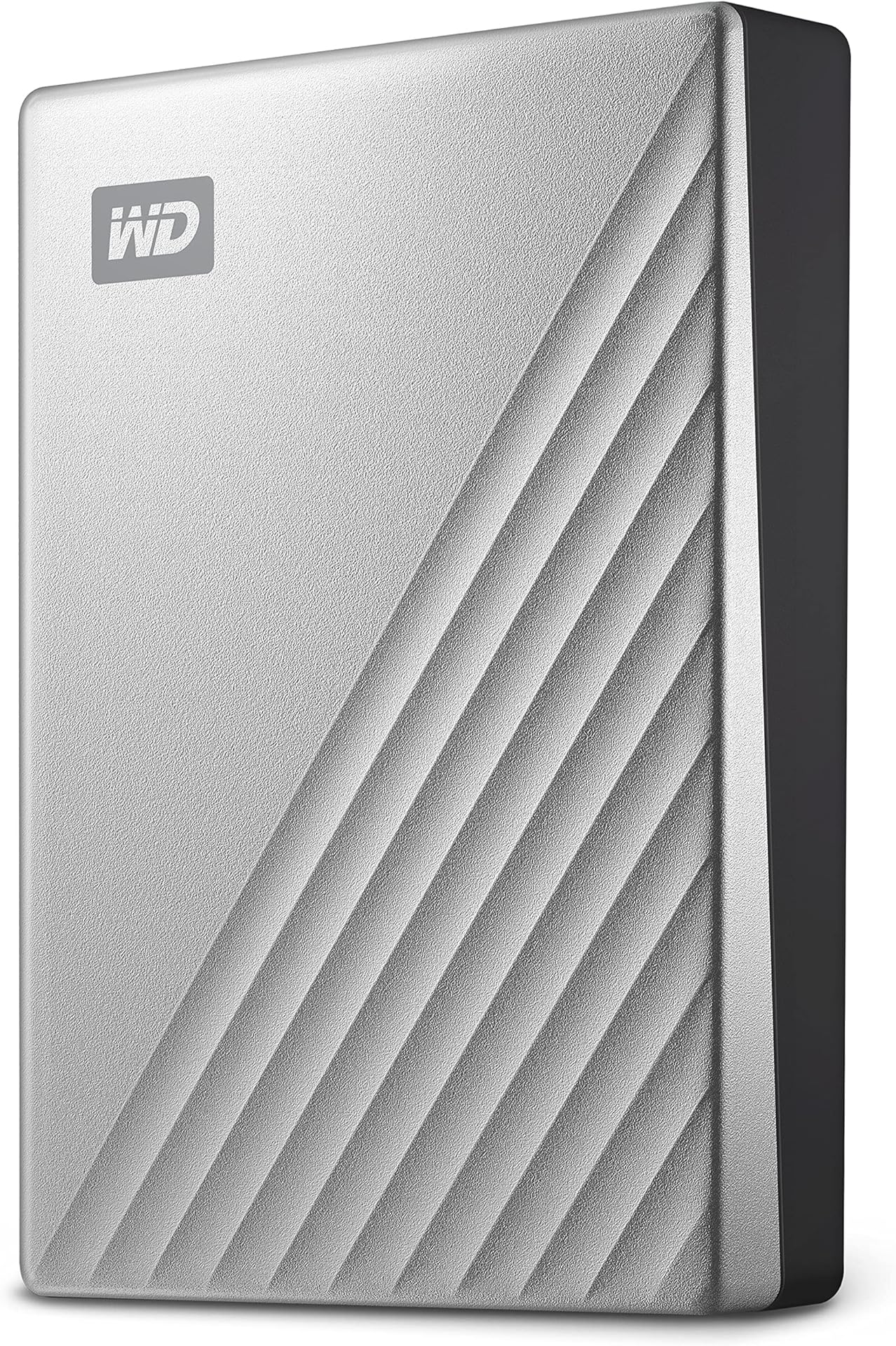
WD 8TB Elements External Hard Drive, Desktop HDD storage, USB 3.0 compatible, Fast Transfer rates, Easy add on storage for all your pictures, videos, music and documents, Black
4.6(19,664)
£219.00
WD 8TB Elements External Hard Drive is priced at £219.00 — stable over the last 30 days.
Price last checked:
Form Factor: 3.5-inch
Interface: USB 2.0/3.0
- The WD Elements desktop hard disk drive with USB 3.0 offers reliable, high capacity, add-on storage, fast data transfer rates, and universal connectivity with USB 3.0 and USB 2.0 devices. The drive’s features up to 20TB capacity
- IMPROVE PC PERFORMANCE When your internal drive is almost full, your PC slows down. Don’t delete files – free up space on your internal drive by transferring files to your WD Elements HDD desktop storage and get your computer moving again
- STORE MORE OF WHAT's IMPORTANT. With capacities up to 20TB, the WD Elements desktop hard disk drive helps you store more photos, videos, music, and files
- FAST TRANSFER RATES. When connected to a USB 3.0 port, the WD Elements desktop hard disk drive delivers fast data transfer rates
- PLUG-AND-PLAY SIMPLICITY. The WD Elements Desktop Hard Drive works right out-of-the-box with Windows 10+ PCs – just plug into the USB port to instantly add storage.
- USB 3.0 AND USB 2.0 COMPATABILIY With this single drive, you get compatibility with the latest USB 3.0 devices and backwards-compatibility with USB 2.0 devices as well.
- WD QUALITY INSIDE AND OUT. We build the drive to our demanding requirements for durability, shock tolerance, and long-term reliability. Then, we help protect with a durable enclosure designed for style and protection
About This Product
The WD 8TB Elements External Hard Drive is a desktop HDD storage solution with a 3.5-inch form factor and USB 3.0 compatibility, offering fast transfer rates and universal connectivity with USB 2.0 and 3.0 devices. With a capacity of 8TB, this drive provides ample storage for files, photos, videos, and music. It is suitable for individuals looking to free up space on their internal drive and improve PC performance, allowing them to store more of their important files and transfer data quickly...
Price History
Current Price£219.00
Average Price£219.00
Lowest Price£219.00
Highest Price£219.00
Price Trend (30d)
Stable